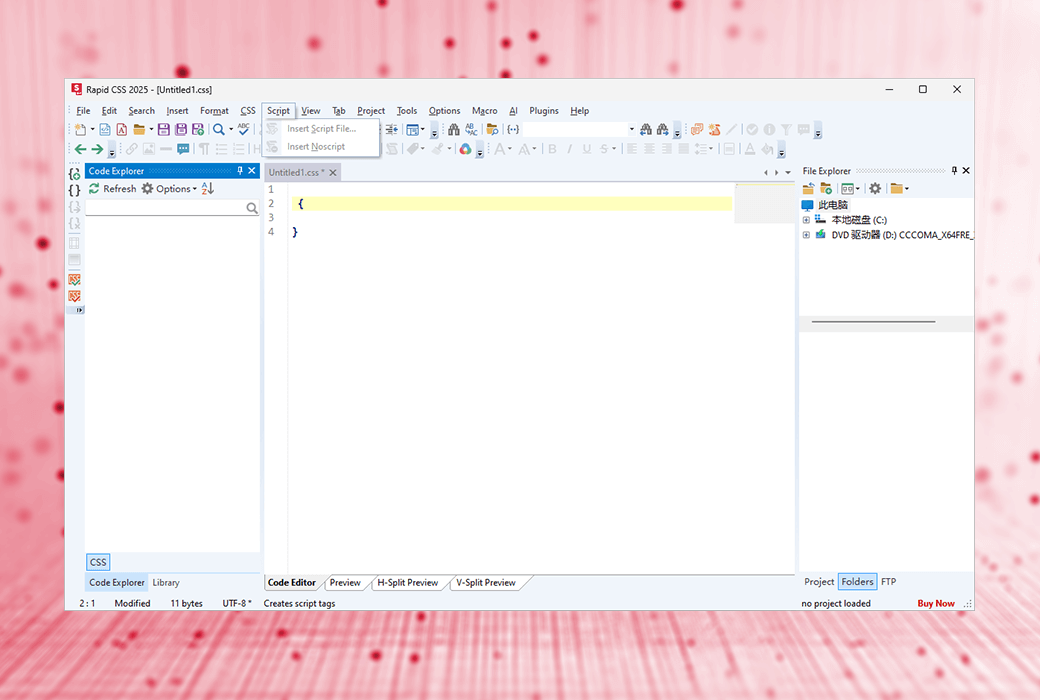
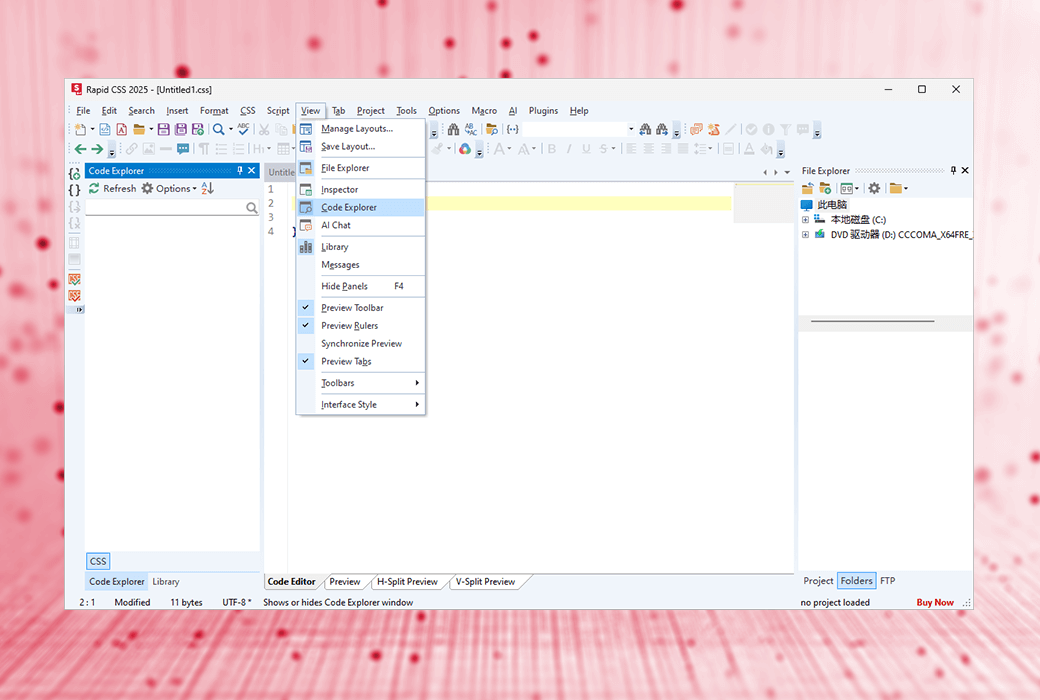
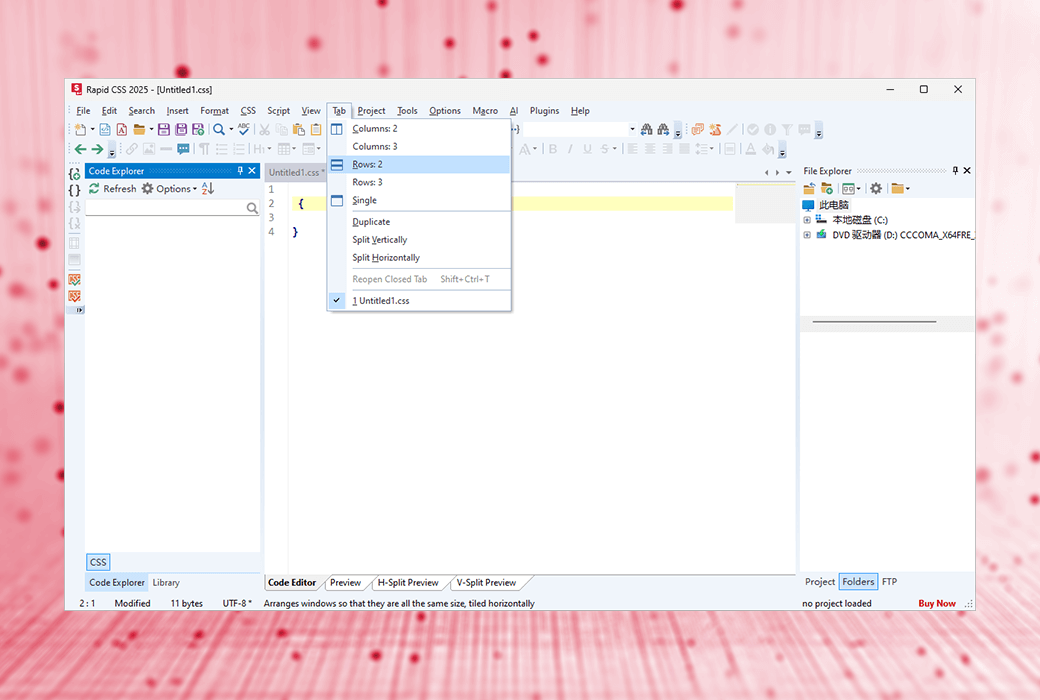
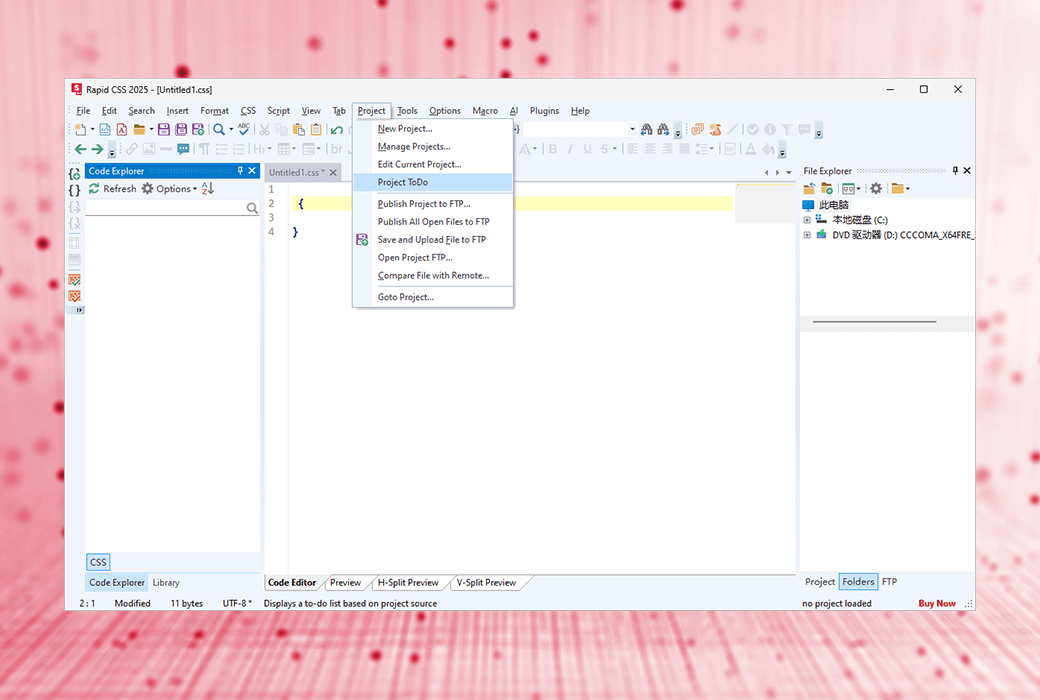
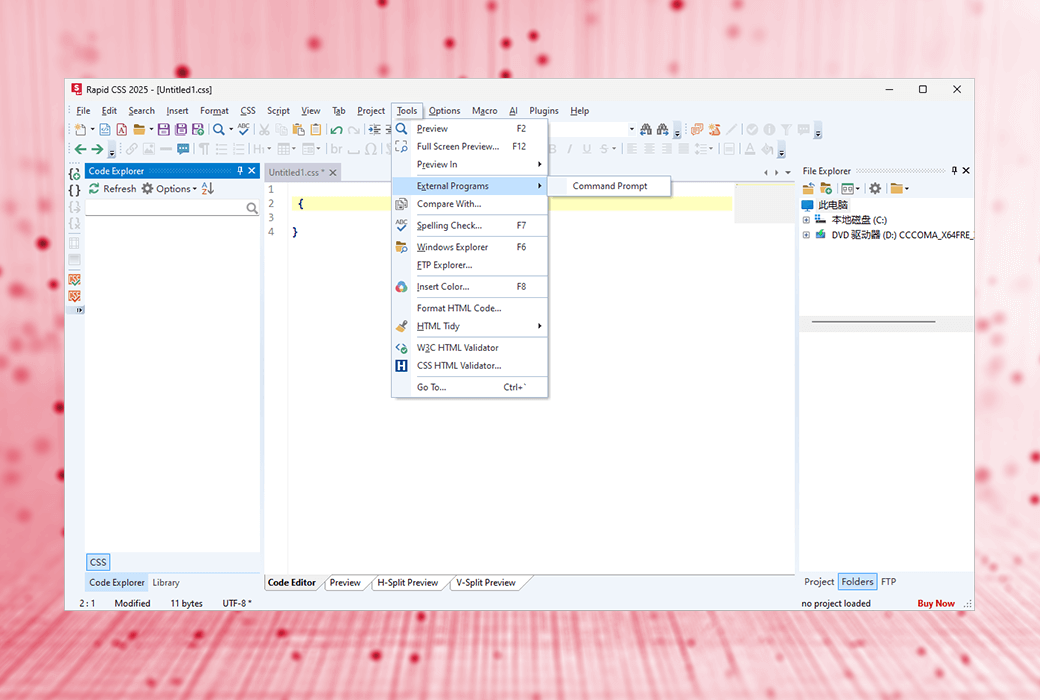
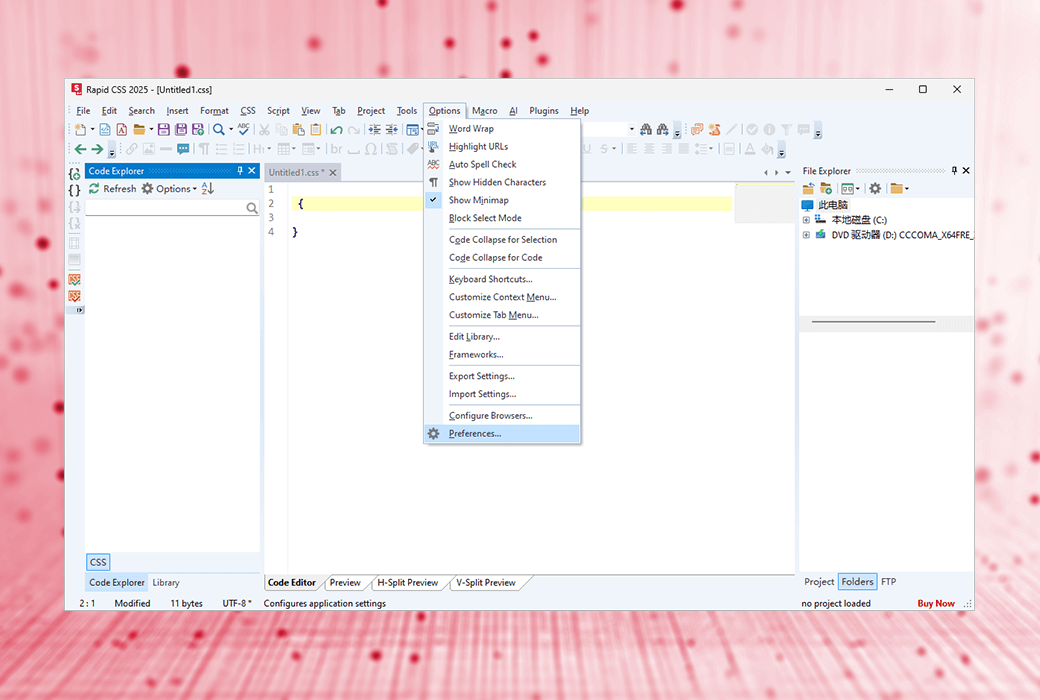
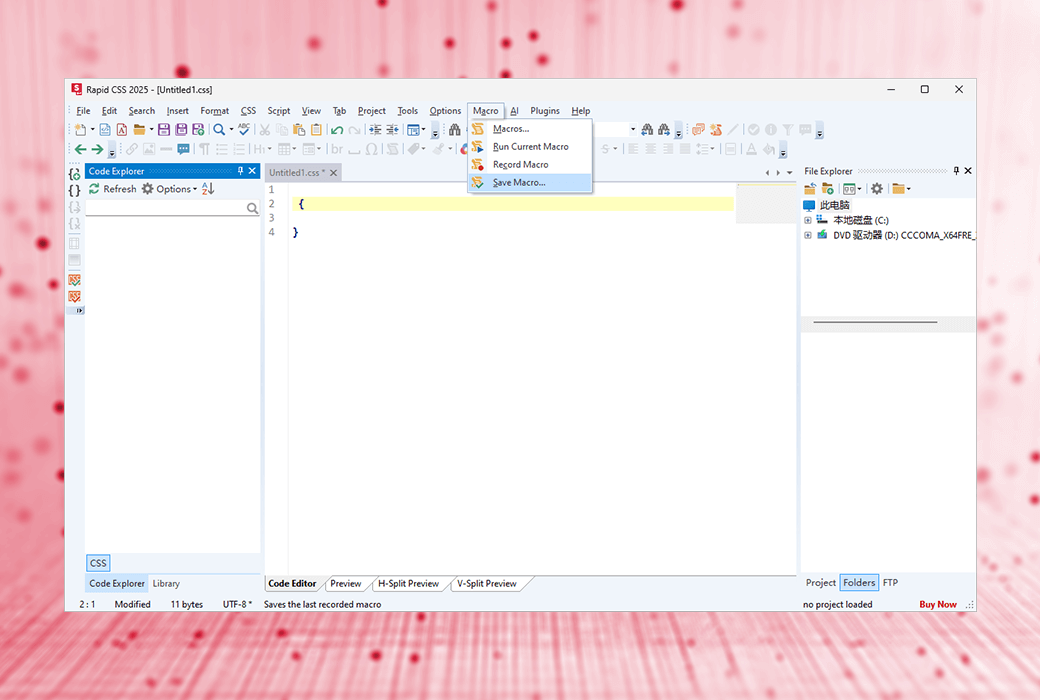
A CSS editor that helps you code faster, a lightweight, AI supported editor for front-end development
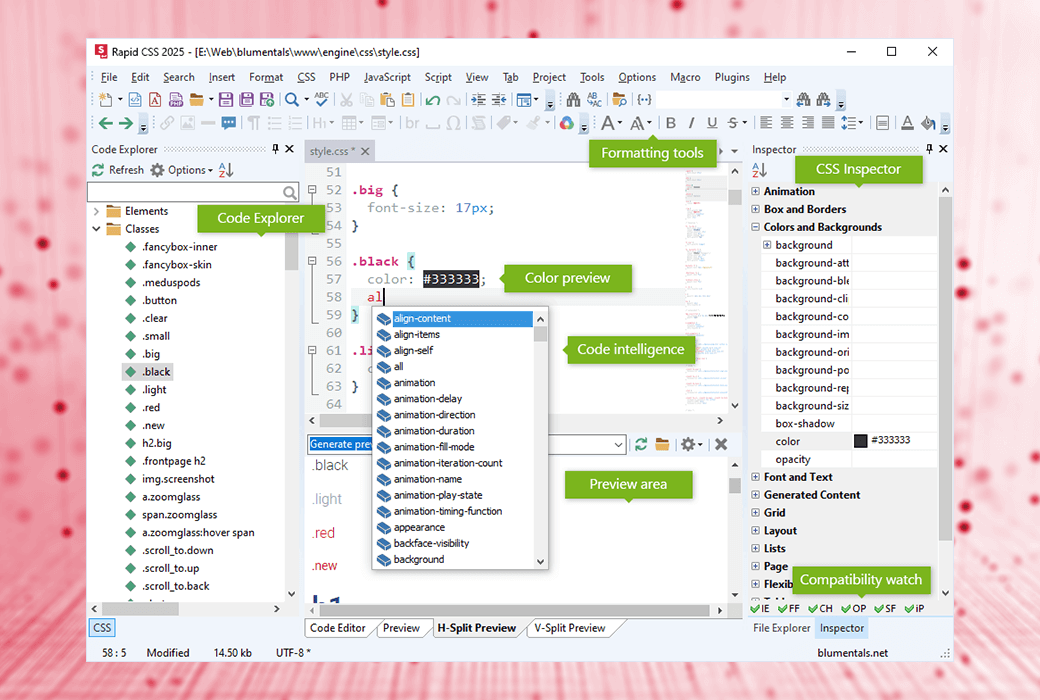
Rapid CSS Editor is an HTML and CSS code editor designed to improve your work efficiency. With Rapid CSS, you can create modern websites and user interfaces based on HTML and CSS faster and easier. Thanks to numerous intelligent features such as auto completion, code checker, CSS checker, integration with AI assistant, and built-in real-time multi browser preview, coding has become effortless.
- Fast and lightweight
The loading speed is much faster than any other CSS editor or IDE with similar functionality
- Powerful syntax highlighting function
Support HTML, CSS, LESS, SASS, JavaScript, PHP, XML, ASP, Perl, etc
- Code Intelligence
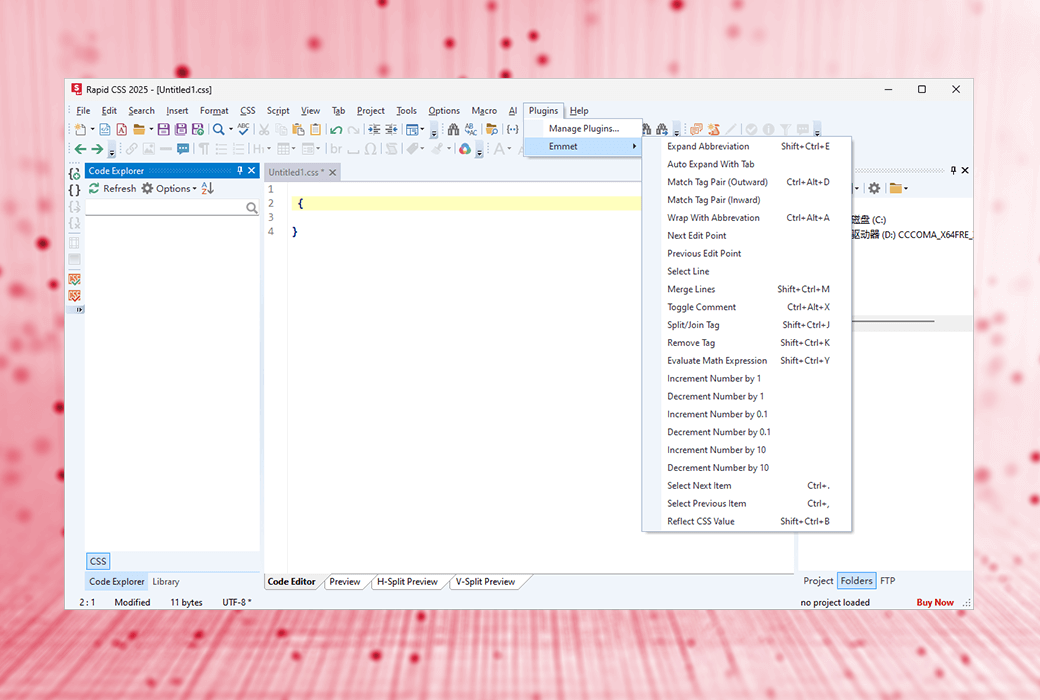
A large number of intelligent HTML and CSS code completion, navigation, and suggestion functions
- Intelligent code reuse
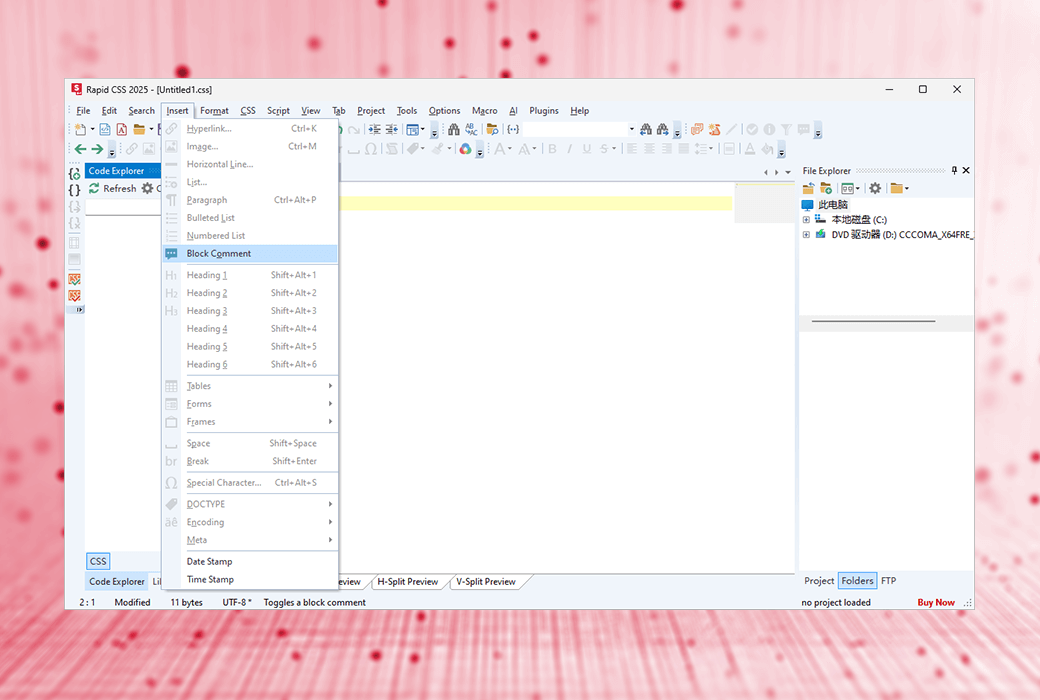
A code snippet library and code templates with assignable shortcuts
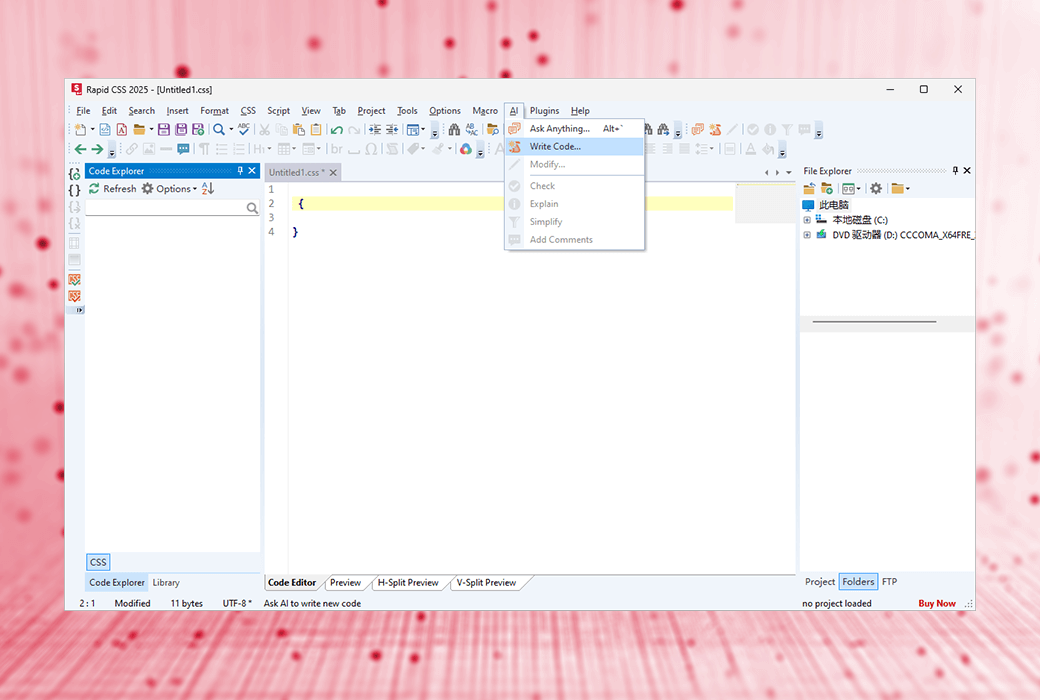
- Built in AI assistant
Automatically generate, modify, and optimize code to solve coding challenges*
- Preview in Browser
Built in multi browser preview, split screen mode, screen size testing XRay
- HTML5 and CSS3
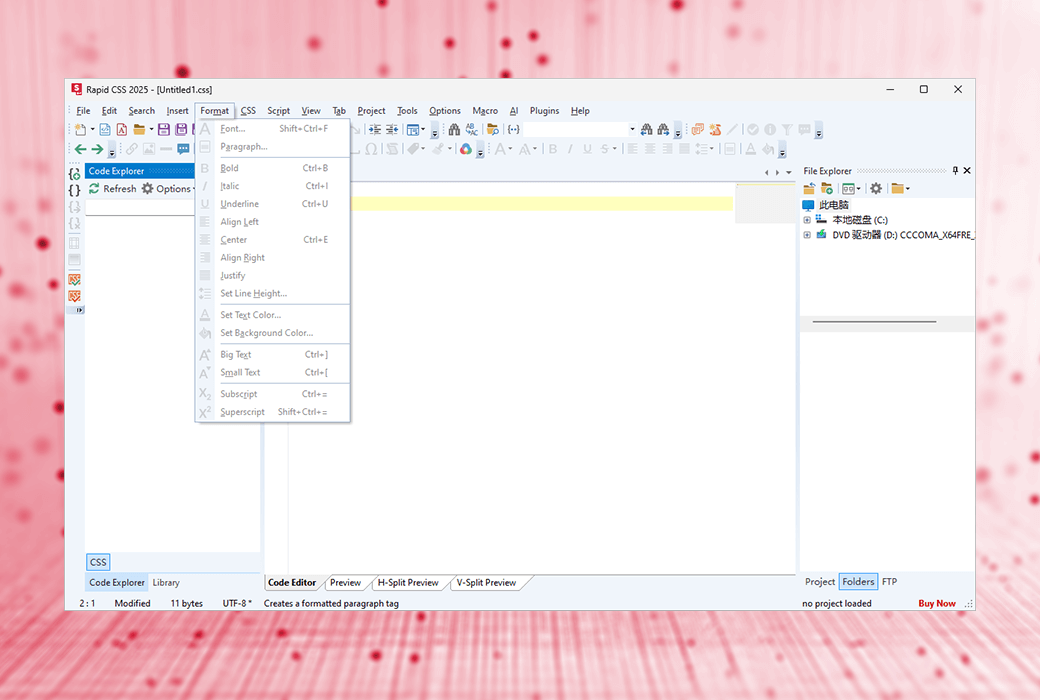
The encoding function has been synchronized with modern standards
- Mobile network development
Media inquiry, viewport assistant, screen size preview
- Integration verification
Spell checker, CSS checker, W3 HTML and CSS validator
- Powerful CSS tools
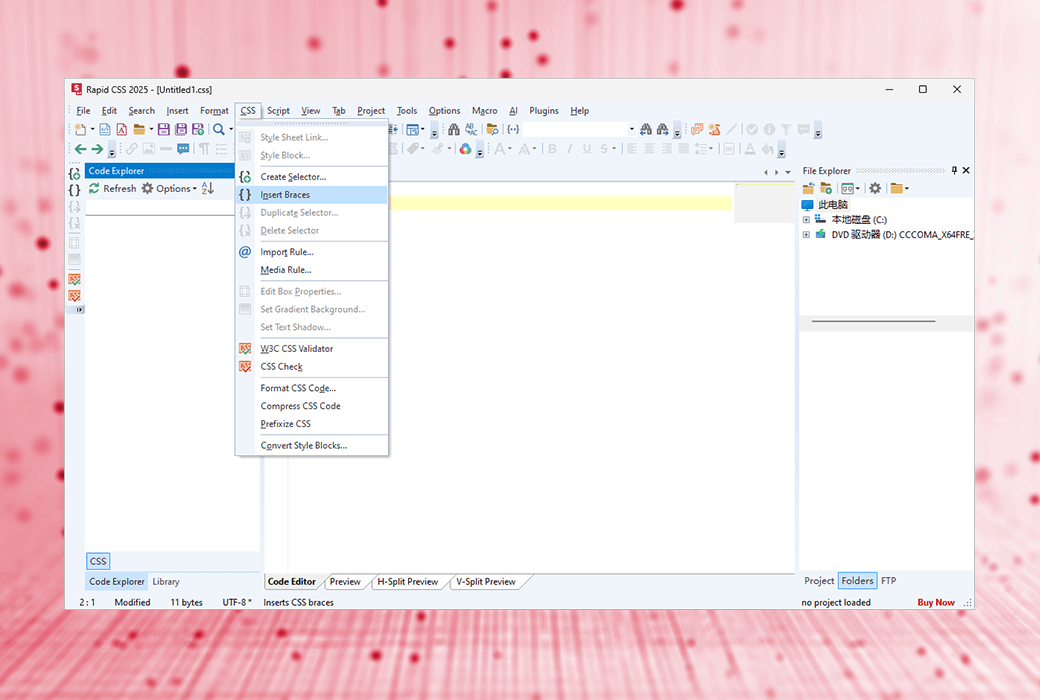
Compatibility monitoring, prefix, shadow assistant, box assistant, web font assistant, etc
- Direct FTP/SFTP/FTPS
Edit directly on your web server, or click to publish local development copy updates
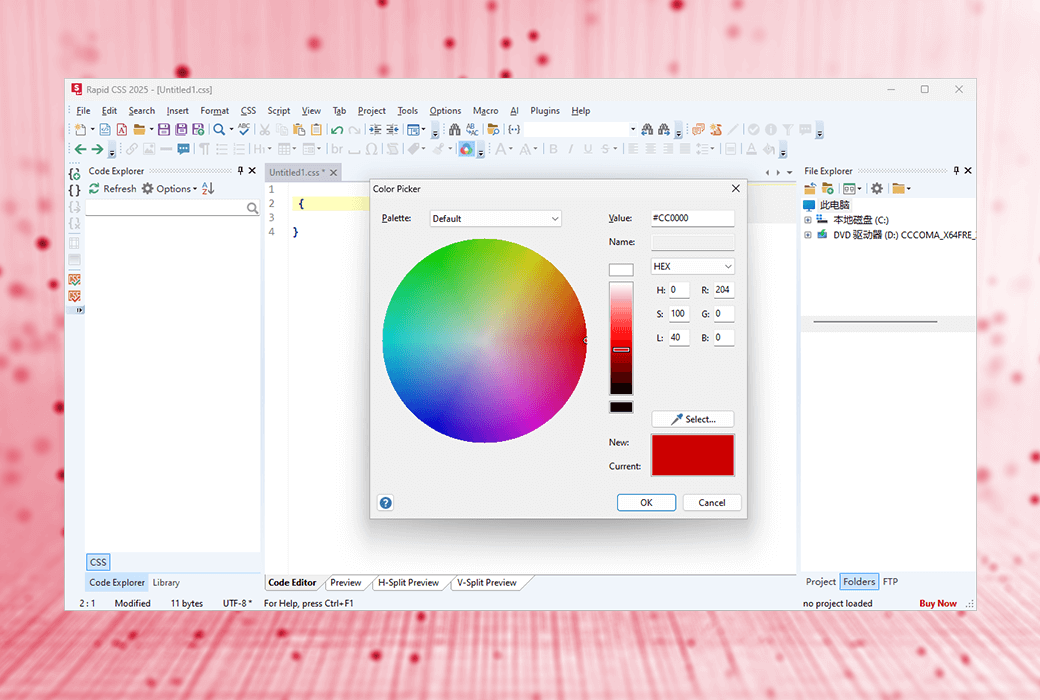
- Powerful color picker
Advanced color picker with project color management functionality
- Advanced Search and Replace
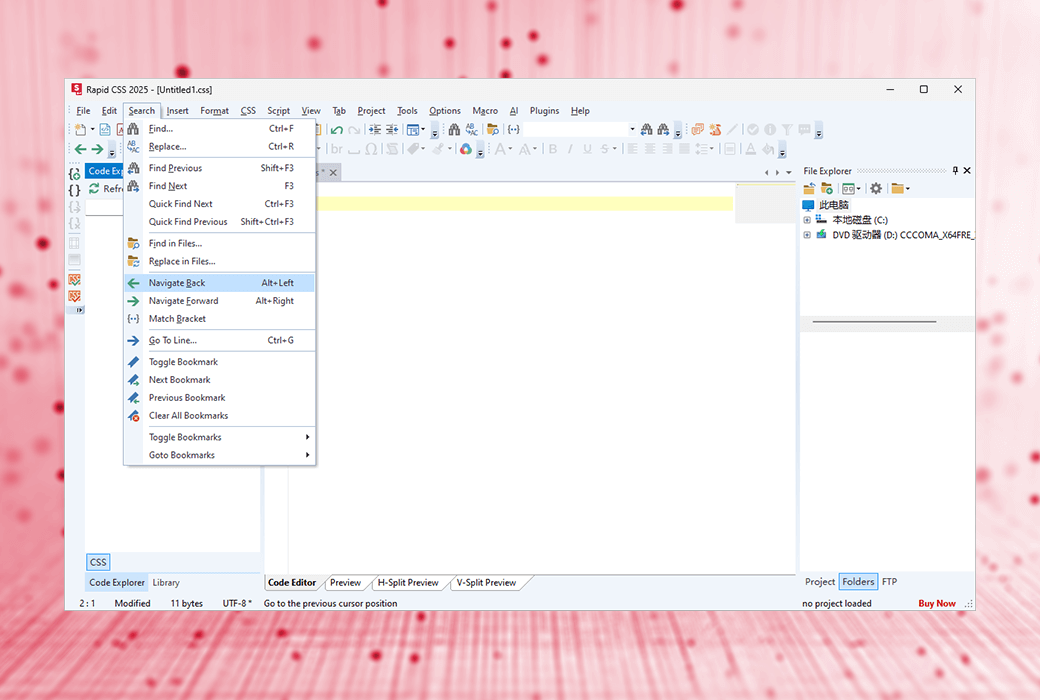
Go to any content, quick search, detailed search, file search, regular expressions, detailed results, etc
Why choose Rapid CSS?
- Save time and improve productivity
Rapid CSS combines the speed of a simple text editor with the powerful features of a full-size development kit, allowing you to work faster and smarter.
- Maintain 100% modernization
Keep up with the latest HTML5 and CSS3 specifications and development trends. Easily create smooth CSS layouts and mobile websites.
- Get the best package!
Just check the feature list and screenshot to see what features you will get, and then try them out. You will definitely be amazed!
- Unparalleled value
Rapid CSS Editor provides you with the best features and price comparison!
What are the advantages of Rapid CSS?
- Faster startup speed
Unlike other HTML and CSS editors, Rapid CSS can be loaded immediately.
- Attention to detail
The Quick CSS Code Editor feature has been carefully designed with speed and productivity in mind.
- Simple and easy to use
The Rapid CSS editor is fast, concise, and lightweight. It is powerful, but not cluttered with useless buttons or panels.
- Excellent FTP/SFTP/FTPS functionality
Just a few clicks to upload/update your online website files.
- Many integrated tools
Grammar checkers, validators, debuggers, beautifiers, built-in CSS prefixes, etc.